Posted on

Adding a terms and conditions checkbox to a Payhip digital download product

If you are selling a digital download product on Payhip and want to require the customer to tick a terms and conditions check box before they pay, this is how you can set that up.

This product is triggering a Terms and Conditions choice

Once signed into your Payhip account go to ‘Account’ on the right, and click ‘Settings’. Then select ‘Advanced Settings’ and scroll down to ‘Checkout Settings’. You’ll see an option to:
Display your own questions for customers to answer during checkout.

Once ticked you will be able to add a checkout question which will appear on the checkout pane if a customer buys any of your products, or you make the question only appear for specific products. Very handy if you have different terms for different products. If you choose specific products you’ll then be able to add the relevant products, but you can edit this at any time.

Then add your question. Here I am going to choose ‘Legal’ as I want to ask the customer to agree to my terms in order to purchase:

I’m going to select legal type question to add T&Cs


Then you can type your question or statement. For example: I agree to the terms and conditions.
And if you want to link that text or part of it to a webpage – somewhere where the customer can review the terms – hit the # symbol and enter the URL.
Important! Also make sure to hit the spanner icon and make this a ‘Required’ question – so the customer has to agree to the terms in order to purchase your product. As you make these changes you should see the checkout pane on the right updating with your changes. Once happy – remember to ‘SAVE CHANGES’ – and then SAVE SETTINGS – and that’s it.

If you later add more products and want to add those to your exisiting terms and conditions question – come back into advanced settings – come down to your Checkout settings, and the specific question you wish to add to and click: ‘Edit Checkout Question’. Then click:
Questions will be displayed if one of these products are in cart (edit)

Now you can add and remove products from this question.

It’s a really professional feature and easy to setup on Payhip


Posted on

How to Make Money from Voiceovers – The Funny, Alternative Guide by Jonathan Slatter

Anyone can be a voiceover. It’s easy, and if I can, anyone can. So, if you want to become a voiceover, don’t delay, don’t think about it, just remember – it’s only reading aloud for money (usually).

At last, a slightly more self-depracating & tongue in cheek book about ‘how to make money from voiceovers…’

This book will guide you through the process of becoming a successful voiceover. It covers finding your voiceover voice, setting up your voiceover studio, marketing your voice, how to nail your first session, how to breathe, dealing with difficult producers, how to say words you can’t pronounce, why you don’t need an agent, why A.I doesn’t really matter, how to keep your neighbours quiet, what to wear and why you sometimes need two duvets.

I laughed out loud – Voice artist Kate Parker

As you turn the pages, you’ll learn all the tricks of the voice trade from someone who has been a professional voice for over 30 years and who has read over 2 million characters of on-hold messages.

Published by Sounds Visual Music Ltd. Copyright 2024. All rights reserved.

Buy on Amazon

Buy on Google Book Store

Buy on Payhip

Buy on Etsy

Author Jonathan Slatter Voiceover Website


Posted on Leave a comment

Nearer, my God, to Thee: Free Sheet Music

On this page you will find recordings and sheet music of the beautiful hymn, Nearer, my God, to Thee. The words were written by Sarah Flower Adams (1805 – 1848) and the famous hymn tune ‘Bethany’ was composed by Lowell Mason, (1792 – 1872) to accompany her text.

Many films about the sinking of the Titantic depict this hymn as being the last piece played by the ship’s string band. Sadly all of the ships’ musicians died when the vessel sank off the coast of Newfoundland, on its maiden voyage to New York, on April 15, 1912.

Sheet music arrangement of the hymn Nearer my God, to Thee, for piano and voice by Jonathan Slatter

Nearer my God to Thee The Sinking of the Titantic by Willy Stower
Der Untergang der Titanic Willy Stöwer 1864 – 1931

Here’s a recording of a string arrangement of Nearer my God to Thee, by Jonathan Slatter.

To purchase a commercial licence to use this recording in your productions please see here.

Or purchase from Pond5 here.

Or from Envato here

Posted on

Pennypaws Dog Rescue Christmas video produced and voiced by Jono Slatter

Instead of paying for Christmas card stamps this year why not send a personalised copy of this lovely Pennypaws Christmas video to your loved ones – and help save more dogs this Christmas.

Every single penny raised goes to the dogs. Pennypaws is a UK Registered Charity (1200959) run entirely by volunteers.

To order yours please go to: https://pennypawsrescue.org.uk/2024/12/01/pennypaws-e-card-video-2024/

Thank you. From myself and all the team at pennypaws Rescue we wish you a Happy Peaceful Christmas and best wishes for 2025. pennypawsrescue.org.uk

Music and voiceover by Jonathan Slatter

Posted on

Embedding tempo BPM and transient slices into loops and samples in Reaper

How do we embed tempo and slice/transient/stretch markers into a rendered out audio file from Reaper.
It is done in the Render Dialogue where there are several options:
Note – when working in Reaper you cannot embed a Root Key, as it has no project key option. You can embed a key using Acid Pro.

Option 1: Render as WAV file only
No other options selected – no embed tempo or stretch markers. When you bring this file back into Reaper it will load straight onto a track and will not try to conform to the project tempo. Looking at the info for this imported file you can see it has no tempo or slice information.
However if you then subsequently change the project tempo, it will affect the play back speed of the loop if you have your timebase items set to Beats (position, length, rate) as opposed to Time in Project Settings. If you dont want this behaviour set it to Beats (position only)

No tempo or slice info

Option 2: Render as WAV with embedded tempo. Tick the ‘Embed Tempo’ option and render. When you import this file back into Reaper you will be given the option to let Reaper adjust your file to the project tempo or ignore it. (This import option displays according to your Preferences in Media/Import)

When you look at the info for this imported file you can see it now has a heading called: ACID with the BPM of 110.

Option 3: Render as WAV with stretch markers (seems to embed tempo whether selected or not)

To do this you need to add some stretch markers or transient guides to the item in Reaper. That’s a separate topic for another day.
You can only render with stretch markers with the ‘Source’ set to ‘Selected Media Items’ selected in the Render dialogue window.
Now when you import your file back into Reaper you will have more options in the Import Media Dialogue. First of all the dialogue is now called: ‘Slice Import” and there are 4 options:

And when we look at the info for the imported file, it now has slice information as well as BPM.

It’s worth knowing that whether you add transient guides or stretch markers to your item in media and then render – when you import that file back into Reaper and choose to import the file with transient markers, they will appear on the item as green transient guides not stretch markers. As soon as you touch or move one of them they will become stretch markers.

Question is, does having this embedded information help with how flexible you can be moving away from the original tempo and key. I used to find that loops made in Acid Pro and called Acidised loops could take more stretching before unacceptable artifacts crept into the sound, but maybe not so much these days. The main difference I can see is that Acidized Loops contain extra information: not just the tempo and number of slices but the number of beats and the root key.
However with the time stretching algorithms in most DAWs, it’s quite easy to manipulate basic WAV files.
I’m not sure whether to carry on Acidising the WAV versions of my loop collections or just offer WAVS with embedded tempo and maybe slices and Apple Loops. The important thing would be to always include the BPM and Root key in the file name.

Posted on

Royalty Free Documentary Music

YoPo Music has specialised in producing innovative royalty free documentary music for the BBC and broadcast productions since it started.
In this post we take a look and listen to some of the most popular documentary music prodcued by YoPo Music.
To preview and purchase any of the tracks on this page just go here and select “Documentary” in the category drop down list.

1. Documentary Piano No 13

2. Documentary Piano No 25

3. Documentary Strings No 7

4. Electro Documentary No 02

5. Line of Duty

To preview and purchase any of the tracks on this page just go here and select “Documentary” in the category drop down list.

Posted on

Jerusalem by Hubert Parry

Now available as a royalty free proruction music track – Hubert Parry’s stirring English anthem “Jerusalem”.

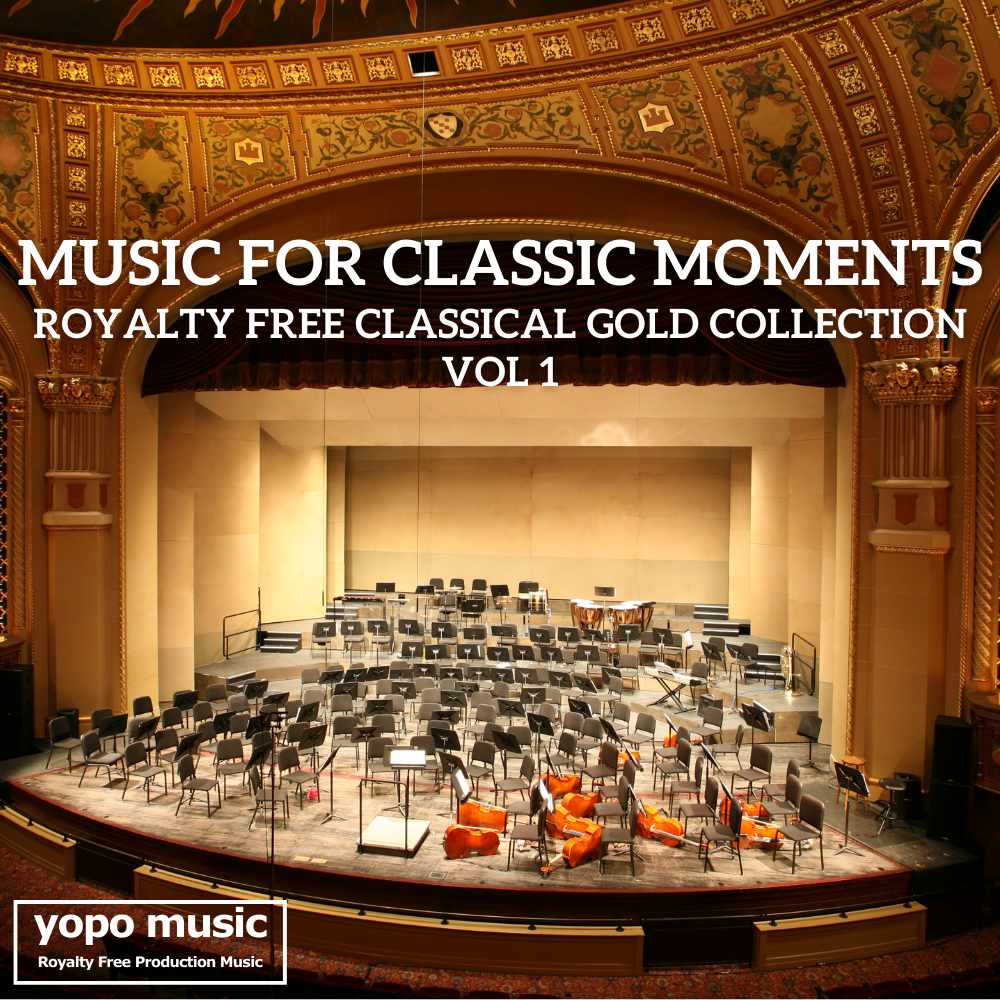
Click here to purchase as part of the Music for Classic Moments Royalty Free Classical Gold Vol 1 Album

Orchestra version of Hubert Parry’s glorious nostalgic and rousing hymn “Jerusalem”.
The words were written by William Blake, and the hymn has become popular as an English patriotic anthem.

Music for Classic Moments Royalty Free Classical Gold Vol 1
Music for Classic Moments Royalty Free Classical Gold Vol 1 featuring Parry’s Jerusalem

And did those feet in ancient time,
Walk upon Englands mountains green:
And was the holy Lamb of God,
On Englands pleasant pastures seen!

And did the Countenance Divine,
Shine forth upon our clouded hills?
And was Jerusalem builded here,
Among these dark Satanic Mills?

Bring me my Bow of burning gold:
Bring me my Arrows of desire:
Bring me my Spear: O clouds unfold:
Bring me my Chariot of fire!

I will not cease from Mental Fight,
Nor shall my Sword sleep in my hand:
Till we have built Jerusalem,
In Englands green & pleasant Land.

Click here to purchase as part of the Music for Classic Moments Royalty Free Classical Gold Vol 1 Album